
Expert Advice: How to Dodge Common Wi-Fi Pitfalls in Your Property
Wi-Fi issues can cripple your home network, leaving you frustrated and disconnected when you need it most. Many properties suffer from weak signals or dead zones simply because of overlooked installation details. Mac to Life, London Wi-Fi experts, know exactly how to avoid these common pitfalls and deliver reliable network solutions tailored to your property’s unique needs. Read on to learn practical steps that keep your smart home connectivity smooth and steady. For more tips, click here.
Understanding Common Wi-Fi Challenges

Wi-Fi issues can disrupt your life, especially when they stem from common but preventable problems. Let’s explore these challenges to understand how they affect your connectivity.
Weak Signals and Dead Zones
Ever wondered why your favourite corner of the house is a Wi-Fi dead zone? Weak signals often hit areas far from the router. This problem can also arise due to thick walls and floors that block signals. Imagine trying to stream your favourite show only to face constant buffering. Annoying, right? The solution often starts with strategic placement. Placing your router in a central location can help. It’s a simple adjustment, but it can significantly improve your coverage.
Interference from Other Devices
Do other electronics mess with your Wi-Fi? Things like microwaves or baby monitors can interfere with your signal. It’s like trying to have a conversation in a noisy room. This interference might cause your connection to drop unexpectedly. To minimise this, keep your router away from such devices. Also, switching to a less crowded channel on your router settings can alleviate interference issues.
Overloading the Network
Have you noticed slow speeds when everyone’s online? That’s overloading. More devices mean more bandwidth consumption. For instance, multiple video calls or streaming sessions can strain your network. One way to manage this is by prioritising traffic. Many modern routers allow you to set priorities for devices or activities. This ensures that essential tasks get the bandwidth they need first.
Solutions for Reliable Connectivity

Knowing the problems is half the battle. Now, let’s delve into practical solutions to ensure your Wi-Fi remains strong and steady.
Strategic Wi-Fi Installations
Positioning is key to a robust network. It’s not just about where you place your router but also how you set up your network. Consider using mesh systems for larger homes. These systems spread Wi-Fi evenly across all rooms, eliminating dead zones. Installing access points in strategic areas can also help. Think of it as setting up a line of communication that keeps everyone connected without interruption.
Upgrading to Enterprise-Grade Equipment
Is your current equipment up to the task? Sometimes, the best fix is an upgrade. Invest in enterprise-grade routers that offer better coverage and reliability. These devices handle more connections and provide stronger signals. For those who frequently experience slowdowns, this can be a game-changer. An upgraded system not only enhances speed but also improves your overall network security.
Smart Home Connectivity Tips
Your smart devices deserve a smart setup. Ensure your network can handle the load of multiple smart home gadgets. Start by organising your network. Assign dedicated channels to different devices. For example, keep your streaming devices on one channel and your smart assistants on another. This organisation reduces congestion and improves performance. Remember, a well-structured network supports all your tech seamlessly.
Choosing the Right Experts
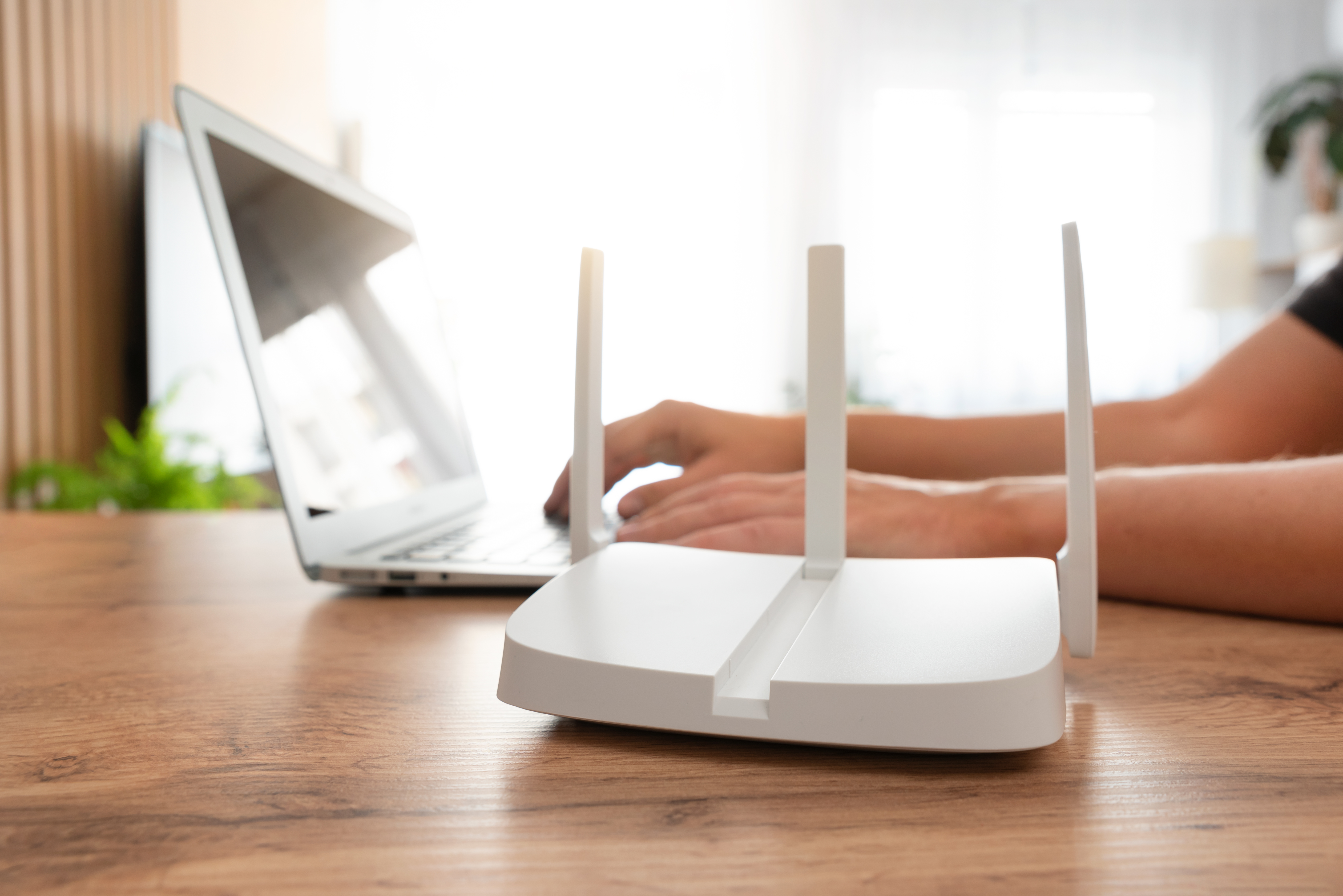
The right expertise can transform your network experience. Let’s see why choosing professionals like Mac to Life can make all the difference.
Why Mac to Life Stands Out
Mac to Life isn’t just another service provider. We specialise in creating bespoke solutions tailored to your needs. Our team’s expertise in advanced networking ensures your system is not only reliable but also future-proof. We pride ourselves on our local reputation and the trust our clients place in us. When you choose us, you choose a partner dedicated to excellence.
Benefits of a Professional Wi-Fi Installation
Professional installations come with clear advantages. First, you get a network designed specifically for your space. This custom approach means no more dead zones or weak signals. Professionals also configure security settings to protect your data. Lastly, you receive ongoing support. If issues arise, you have experts ready to assist. It’s about peace of mind and continuous, reliable service.
Schedule Your Free Consultation Today
Ready to upgrade your network? The longer you wait, the more frustrating those Wi-Fi issues become. With Mac to Life, you can schedule a free consultation to assess your needs. Our specialists will guide you through tailored solutions that fit your home or business. Don’t let connectivity hold you back. Reach out today and step into a world of seamless connectivity.